
Drafts, filtering & sorting
Filter and sort your content collections. See and filter drafts with ease.
For Astro content collections
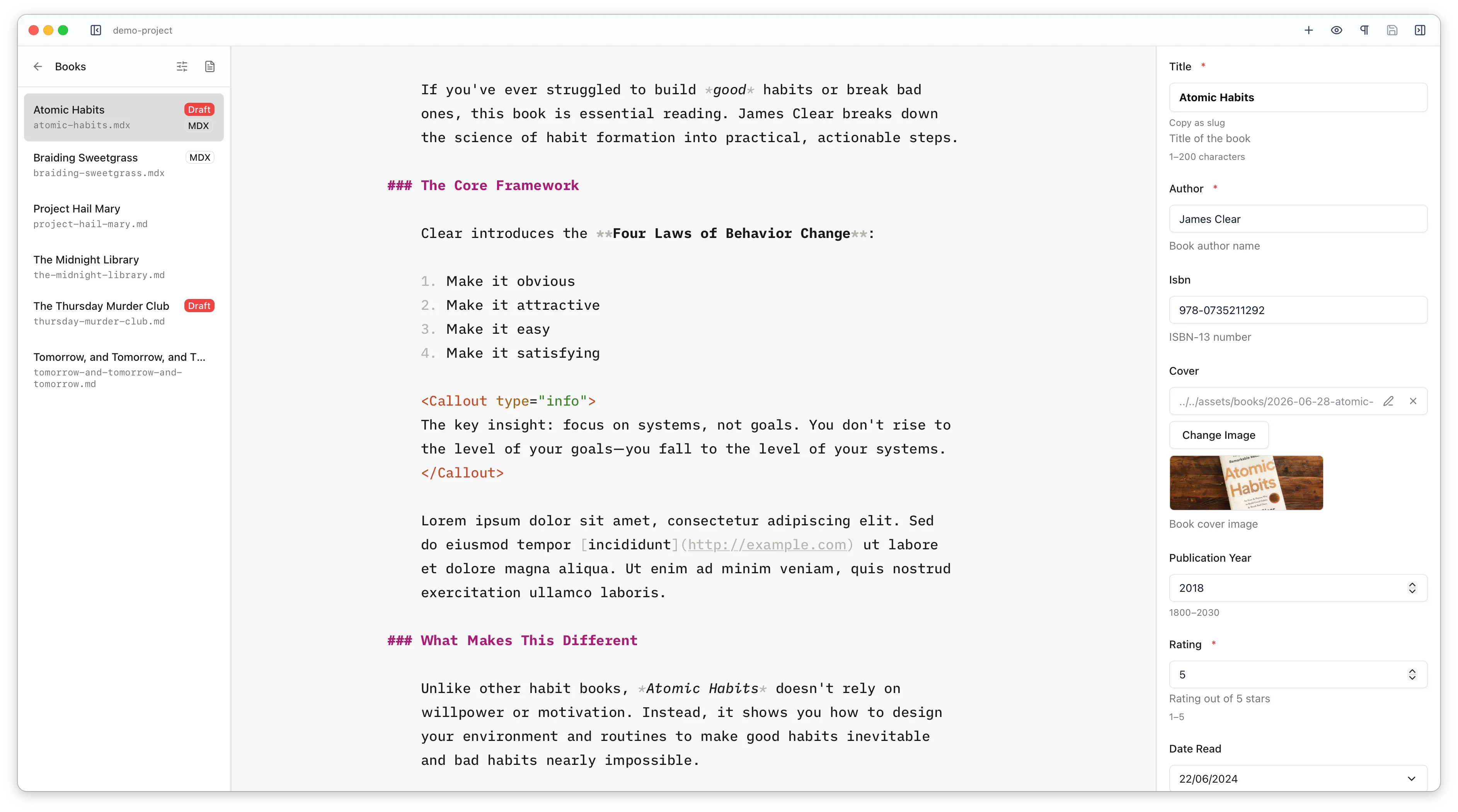
A beautiful distraction-free markdown editor for working with Astro content collections, designed specifically for writing not coding. It uses your Astro config and Zod schemas to show frontmatter as proper forms, makes adding images & components easy and gets out of the way when you wanna just write.
Or install via Homebrew:
brew install --cask astro-editor
Astro Editor works with local markdown & MDX files in Astro
Content Collections. It reads your content.config.ts to understand your
collections and schemas and only shows you the stuff relevant to
actually working with your content files.
When you want to focus on writing to the exclusion of all else, you can hide the sidebars and use the Focus & Typewriter features to write in a distraction-free environment...
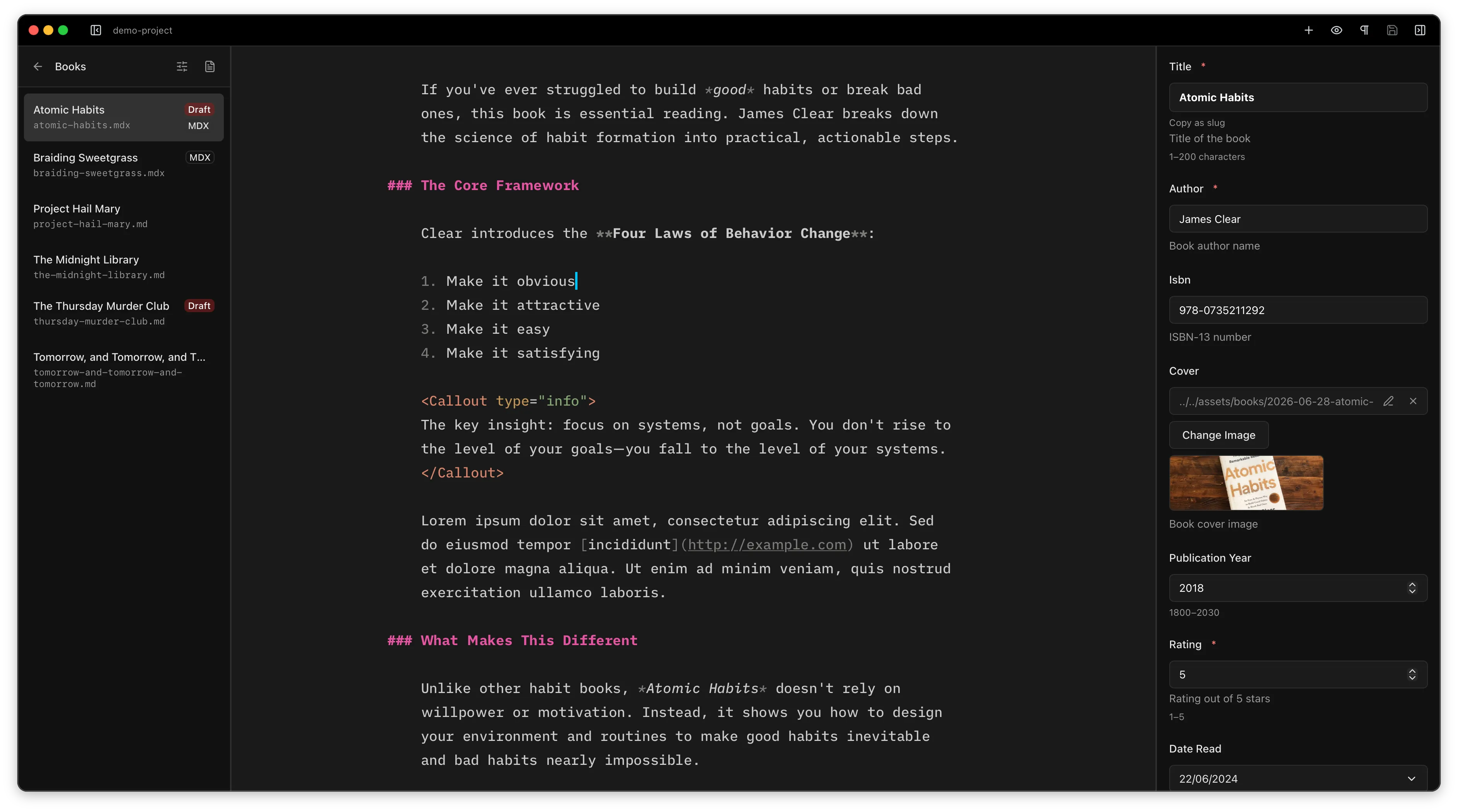
The two screenshots above show an entry in a books
collection. Here's the same file open in VS Code. Astro Editor
exists because this is an awful environment for writing prose in.
See the philosophy page
for more on this.
Frontmatter
Astro Editor reads your
collection's schemas and renders
the right control for every field — text inputs, date pickers, enum
dropdowns, tag arrays, boolean switches, nested objects and the like.
Image fields include previews and reference() fields render
as dropdowns of the referenced collection.
Every field in the schema shows up even if it's not yet in the file's
frontmatter. So no more digging through content.config.ts
to remember what's required, what's optional, or what an enum's allowed
values are.
Designed for writing
Designed to keep you in a state of flow when you're writing, Astro Editor is designed for writer mode and includes:
 Light Dark
 MDX components
If you use components like <Aside> in your MDX
content files, Astro Editor makes it easier to find and insert them
as you're writing. The
Component Inserter shows a subset
of the components in your project and lets you insert them with a few
keystrokes.
Images
Dragging an image into the editor copies it into the right assets folder, gives it a web-safe name, and inserts the appropriate markdown code in your document. Naming conflicts and the like are handled for you, so you can drag as many screenshots and random images into your content as you like and they'll end up in the right place in your Astro site.
The same smart image handling also powers schema image fields in the frontmatter panel.
Holding ⌥ while hovering any image path pops up a preview in the corner, so it's a tiny bit easier to check your image paths are right.
Filter and sort your content collections. See and filter drafts with ease.
Colour-code parts of speech like nouns, verbs, adjectives, adverbs and conjunctions to help with editing & rewriting.
The whole app is keyboard-navigable. Open the palette to jump anywhere or run any command.
Native builds for macOS, Windows, and Linux. Free and open source.
Or install via Homebrew:
brew install --cask astro-editor