
Links
You can use
Internal Links
Section titled “Internal Links”You can use the Content Finder to search across all the content items in your collections and insert a markdown link to it. This is especially handy when you’re mid-flow and want to cross-reference another piece of content without leaving the editor.
You can open the Content Finder with
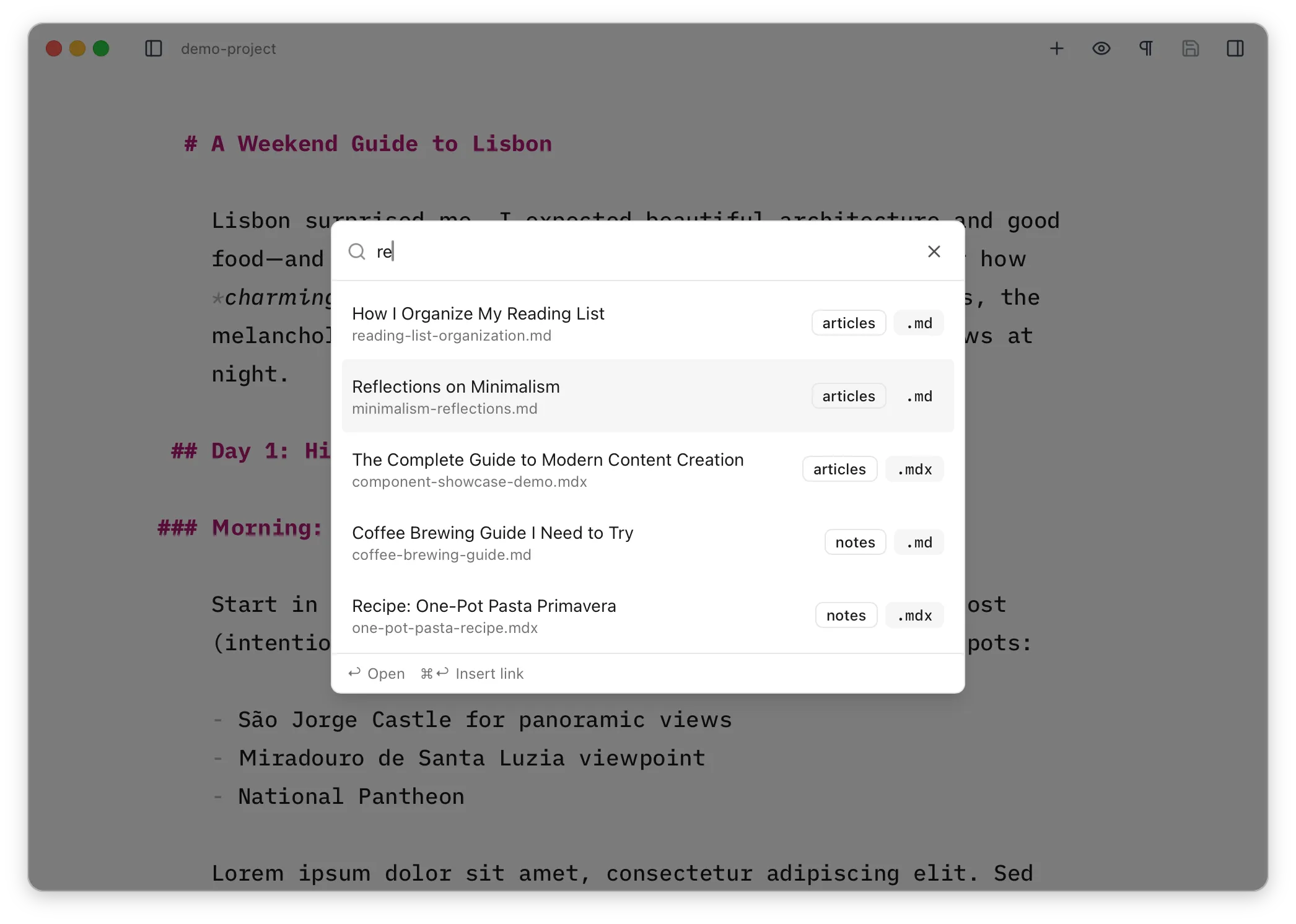
Because
Configuring a URL pattern
Section titled “Configuring a URL pattern”By default, links inserted this way will use a relative path from the current file to the target file.
[My Blog Post](../blog/my-blog-post.md)This is often not what you want, so it’s possible to configure the format used for these links in the preferences on a per-collection basis, by supplying a URL pattern. For example, if your blog collection serves posts at /writing/mypost you can set the URL pattern to /writing/{slug}, which will cause links to blog posts to look like this instead:
[My Blog Post](/writing/my-blog-post)The {slug} placeholder resolves to the content item’s frontmatter slug field if one exists, or falls back to the item’s ID (the filename without extension).