
The Editor
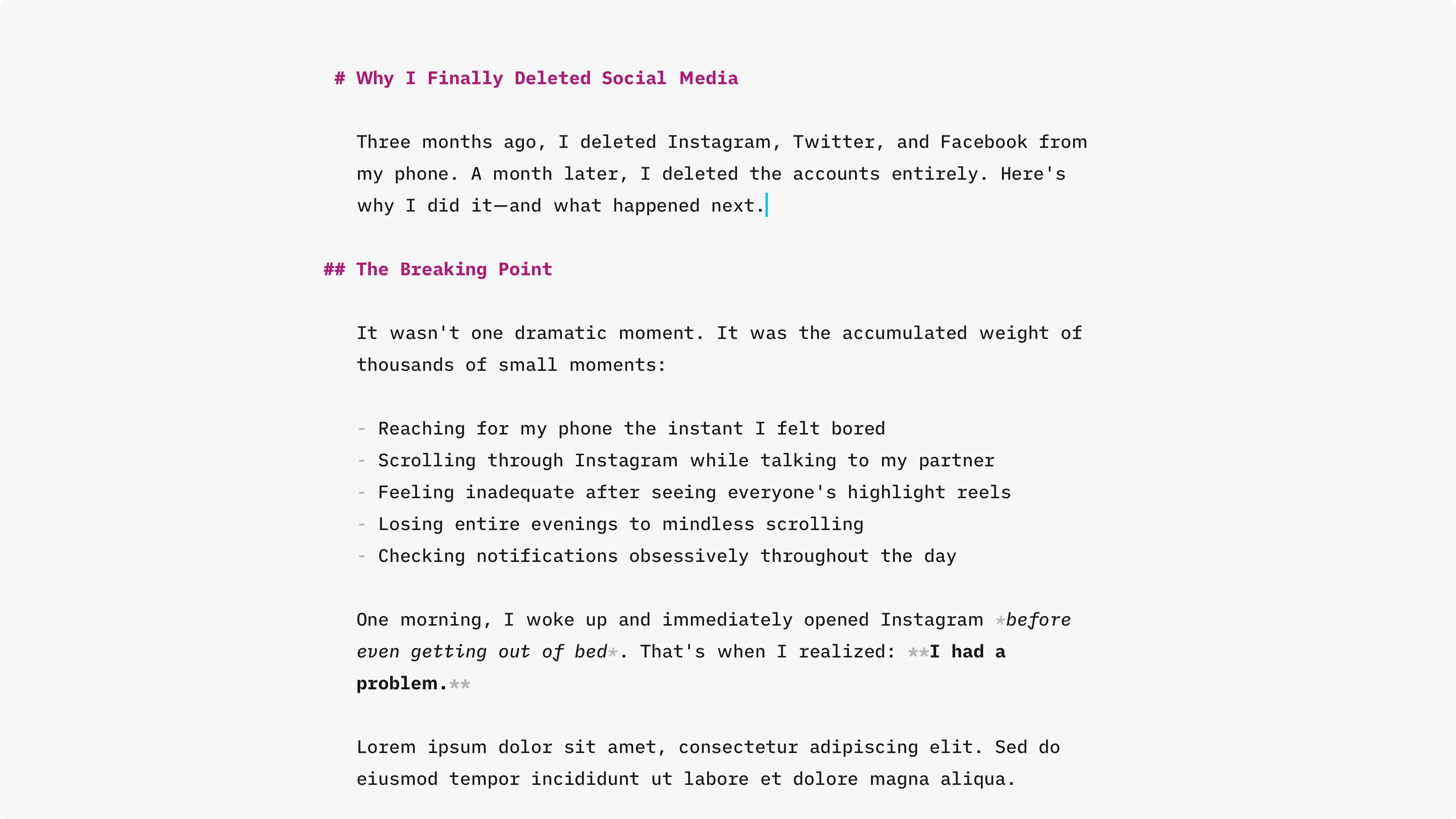
The editor window shows the entire contents of your markdown or MDX files with the exception of the YAML frontmatter and any JSX import lines immediately following the frontmatter. It’s designed to provide an extremely clean writing interface, especially when both sidebars are closed. It provides markdown syntax highlighting and editing features.
Typography
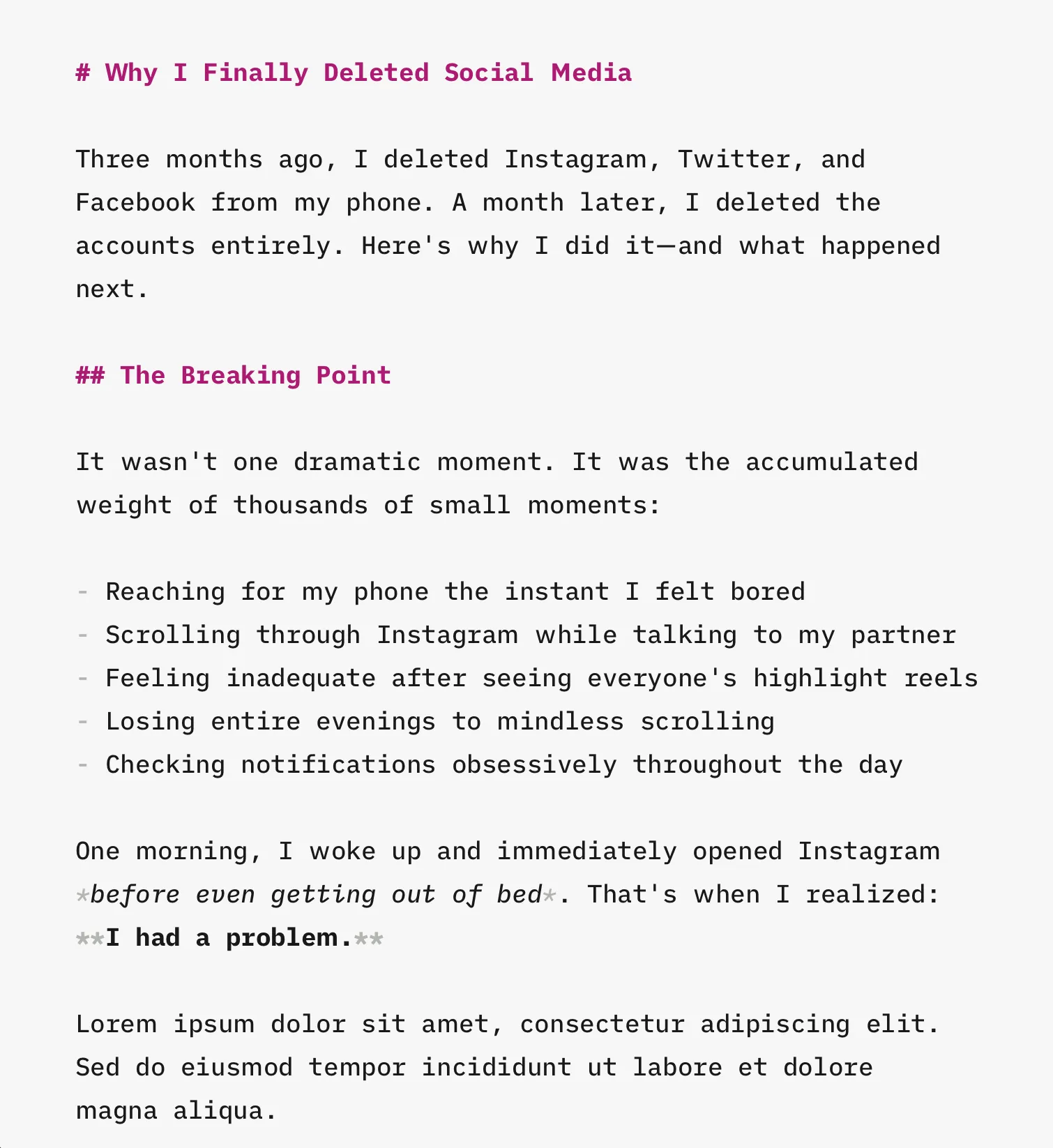
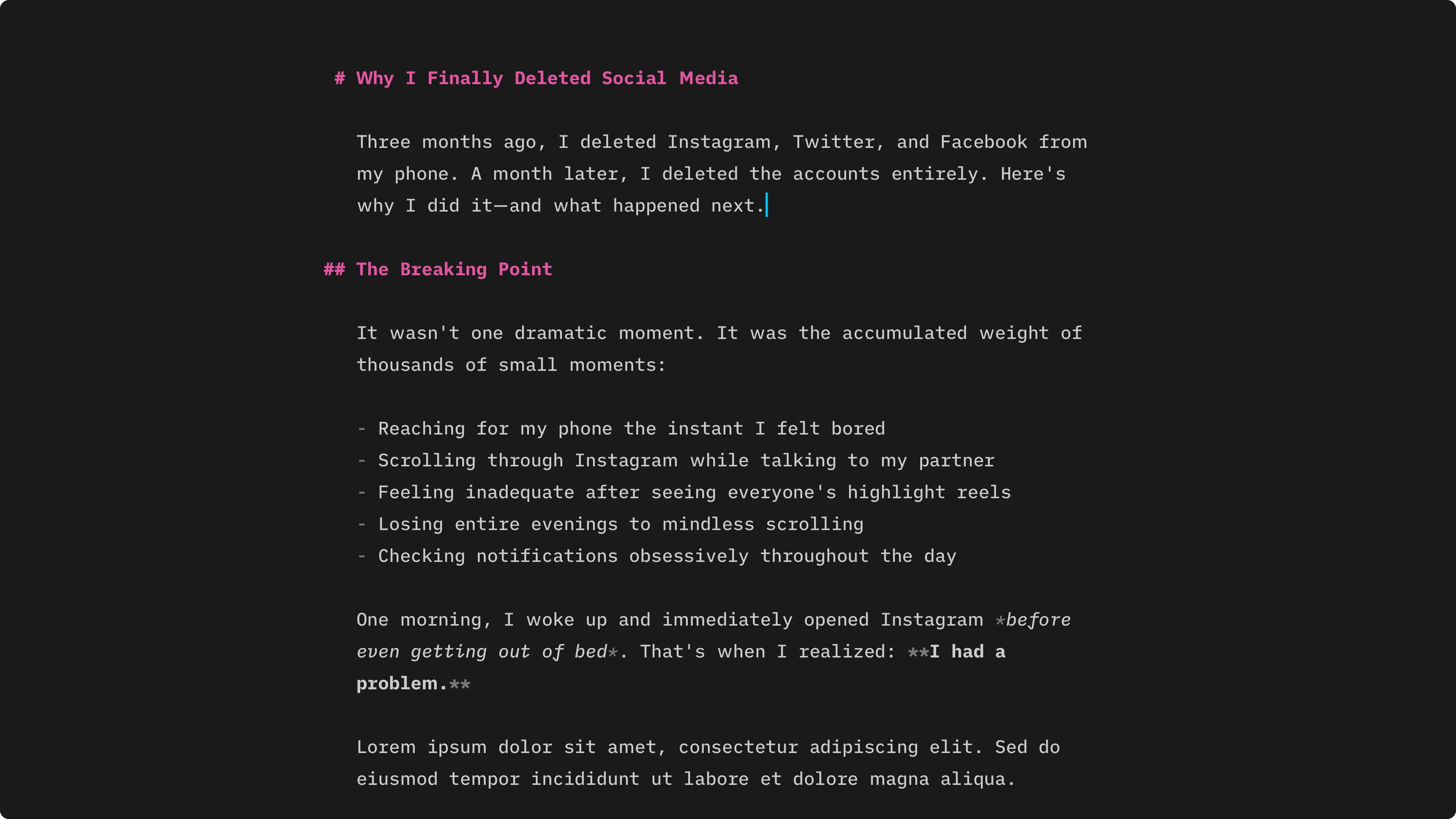
Section titled “Typography”The editor might look simple at first glance, but a lot of thought has gone into its design and typography. It uses the wonderful iA Writer Duo variable font, which is better suited to prose than fully monospaced fonts, and the font size and line height adjust automatically to the size of the editor. The typography and colours also adjust appropriately for dark mode, and when there’s enough room the leading ## characters of headings “hang” in the margin.
Auto-Save
Section titled “Auto-Save”Astro Editor automatically saves your changes two seconds after you stop typing or when you hit
The Command Palette
Section titled “The Command Palette”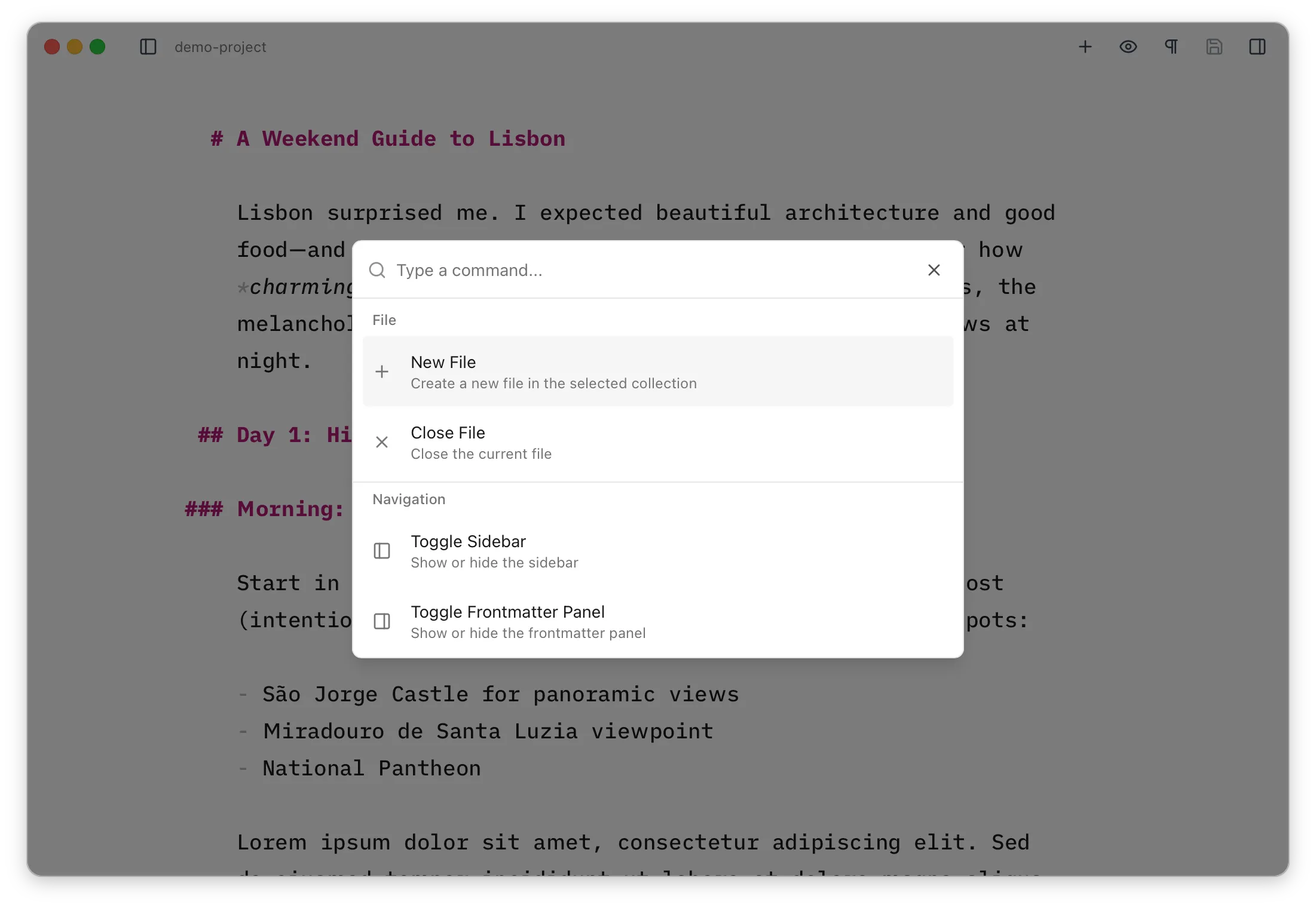
The command palette provides quick access to all major functions in Astro Editor and is especially useful when working in the editor pane. Press