
Field Types
Every field in your collection schema becomes a control in the frontmatter sidebar. This page covers how each type is rendered.
Basic fields
Section titled “Basic fields”| Schema field | Example | In the sidebar |
|---|---|---|
| Text | z.string() | A single-line text input |
| Number | z.number() | A number input |
| Boolean | z.boolean() | A toggle switch |
| Date | z.date() | A date picker |
| Enum | z.enum(['draft', 'published']) | A dropdown of the listed options |
| List of text | z.array(z.string()) | A tag input you add to and remove from |
z.string().email() | A single-line input, hinted as an email | |
| URL | z.string().url() | A single-line input, hinted as a URL |
A few fields get richer controls and have their own sections below: objects, images, and references. Lists of non-text values (dates, objects, and so on) fall back to a raw YAML editor.
Descriptions, defaults & constraints
Section titled “Descriptions, defaults & constraints”Astro Editor surfaces the extra information in your schema as guidance beneath each field:
.describe('…')— shown as help text under the field.default(…)— shown as a hint, and pre-filled into new files.min()/.max(), length limits, and.regex()— shown as a short hint like “3–100 characters” or “Pattern: …”
title: z.string().min(3).max(100).describe('The headline for the post')Required fields
Section titled “Required fields”A field that isn’t .optional() (and has no .default()) is required, and shows a red asterisk (*) next to its label.
title: z.string(), // required → shows *summary: z.string().optional(), // optional → no *As above, the asterisk is a prompt, not a gate — saving isn’t blocked when a required field is empty.
Nested fields
Section titled “Nested fields”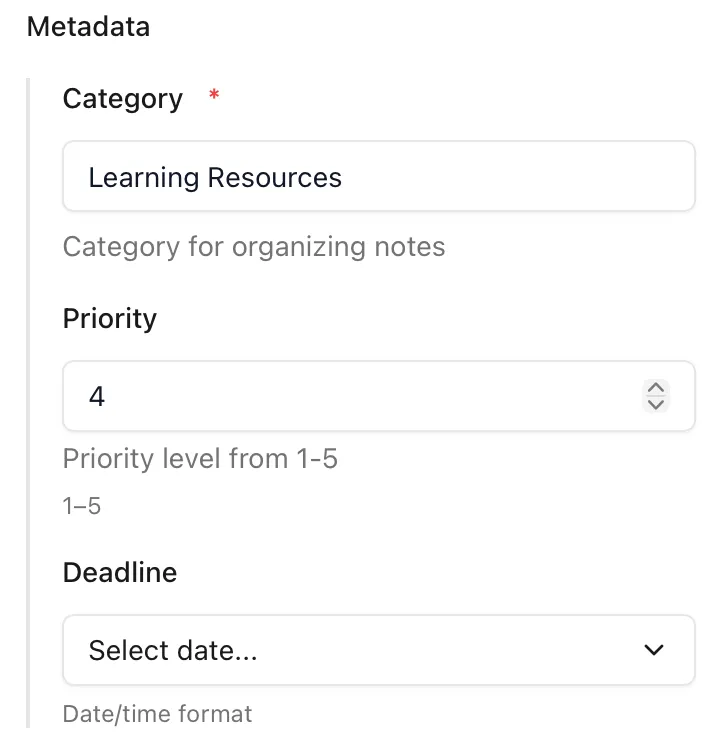
A z.object({ … }) groups its fields into a labelled section in the sidebar, indented under a heading taken from the object’s name.
const blog = defineCollection({ schema: z.object({ seo: z.object({ ogTitle: z.string().optional(), noIndex: z.boolean().optional(), }), }),})Here ogTitle and noIndex appear together under a Seo heading, each using the same controls they would use as top-level fields.
Image fields
Section titled “Image fields”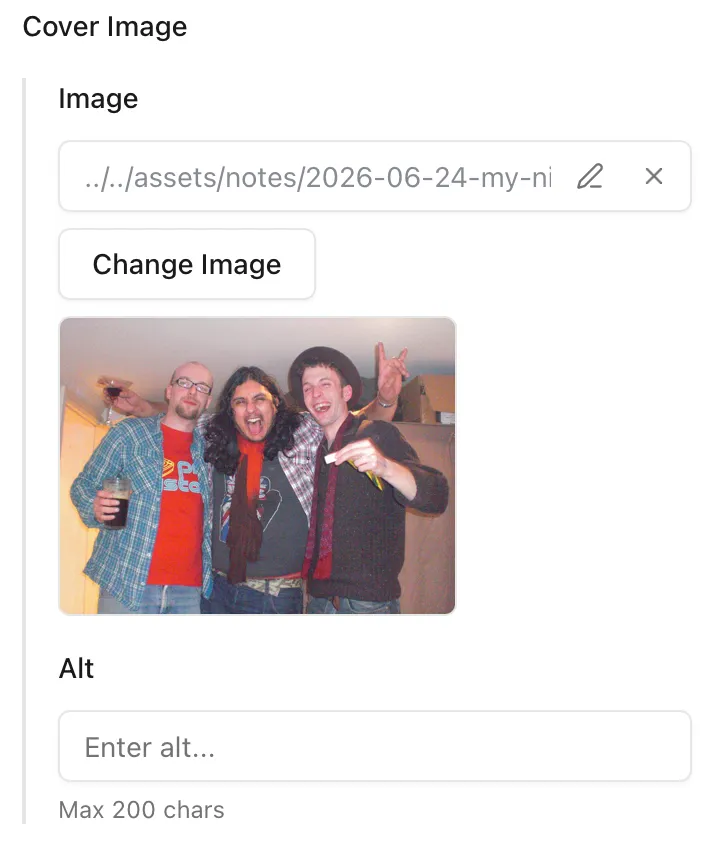
A field using Astro’s image() helper becomes an image control with a thumbnail preview, rather than a plain path input.
const blog = defineCollection({ schema: ({ image }) => z.object({ cover: image(), }),})When you drop or pick an image, it’s copied, renamed, and pathed in exactly the same way as dragging an image into the editor — including the relative-versus-absolute path setting. On top of that, an image field gives you:
- An edit button to type or paste a path by hand. A path entered this way is used as-is — it isn’t copied or checked, so a wrong path simply won’t preview.
- A clear button to remove the current image.
Reference fields
Section titled “Reference fields”reference() links one collection’s entries to another’s. A single reference is a dropdown; an array of references is a multi-select.
// articles can point at entries in the notes collectionconst articles = defineCollection({ schema: z.object({ relatedNote: reference('notes'), // one note sources: z.array(reference('notes')), // several notes }),})In the dropdown, each entry is labelled by the first of its title, name, or slug frontmatter, falling back to its id or filename. The value written to your frontmatter is always the entry’s id.
Referencing data collections
Section titled “Referencing data collections”References also work with data collections — those defined with a file() loader pointing at a JSON file (a classic authors.json, say) rather than a folder of Markdown.
const authors = defineCollection({ loader: file('src/data/authors.json'), schema: z.object({ name: z.string() }),})Astro Editor reads these so they can be referenced, with a few limits worth knowing:
- Data collections don’t appear in the sidebar and can’t be edited in Astro Editor — they’re read-only to populate reference dropdowns.
- Only the
file()loader is recognised, and the file must be a JSON array. - Every item needs an
id(orslug) to identify it.